Free on the App Store · iOS 13.0+

A photo booth
that fits in your pocket.

Kio Cam is a digital photo booth for iPhone. Real strips, 100+ frames, Photo, Burst and Ghost modes, film filters, stickers, text and a custom frame builder. Wholesome, on-device, made for keeping.

100+ frames 3 capture modes 0 photo uploads
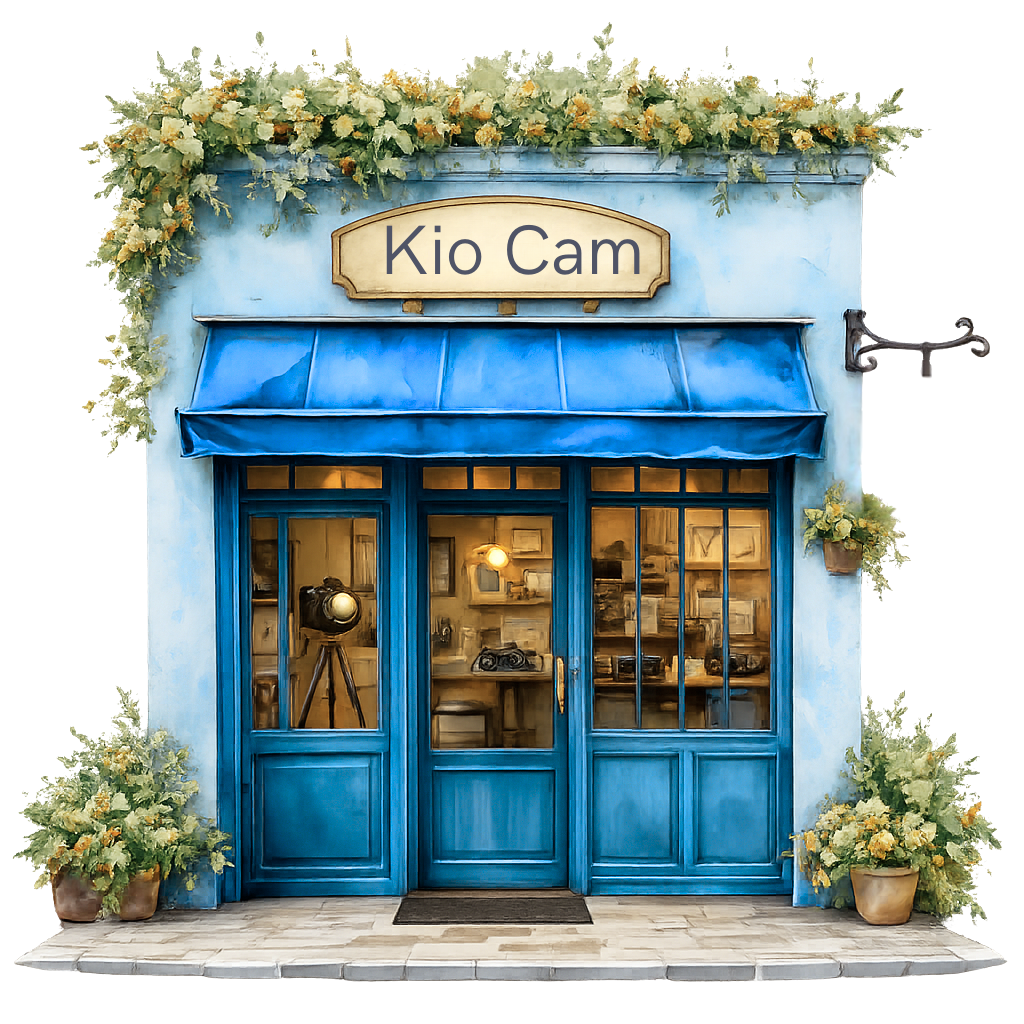
Kio Cam hand-painted storefront illustration from the app home screen.

Tiny prints,
big feelings.

a few favorites from the gallery
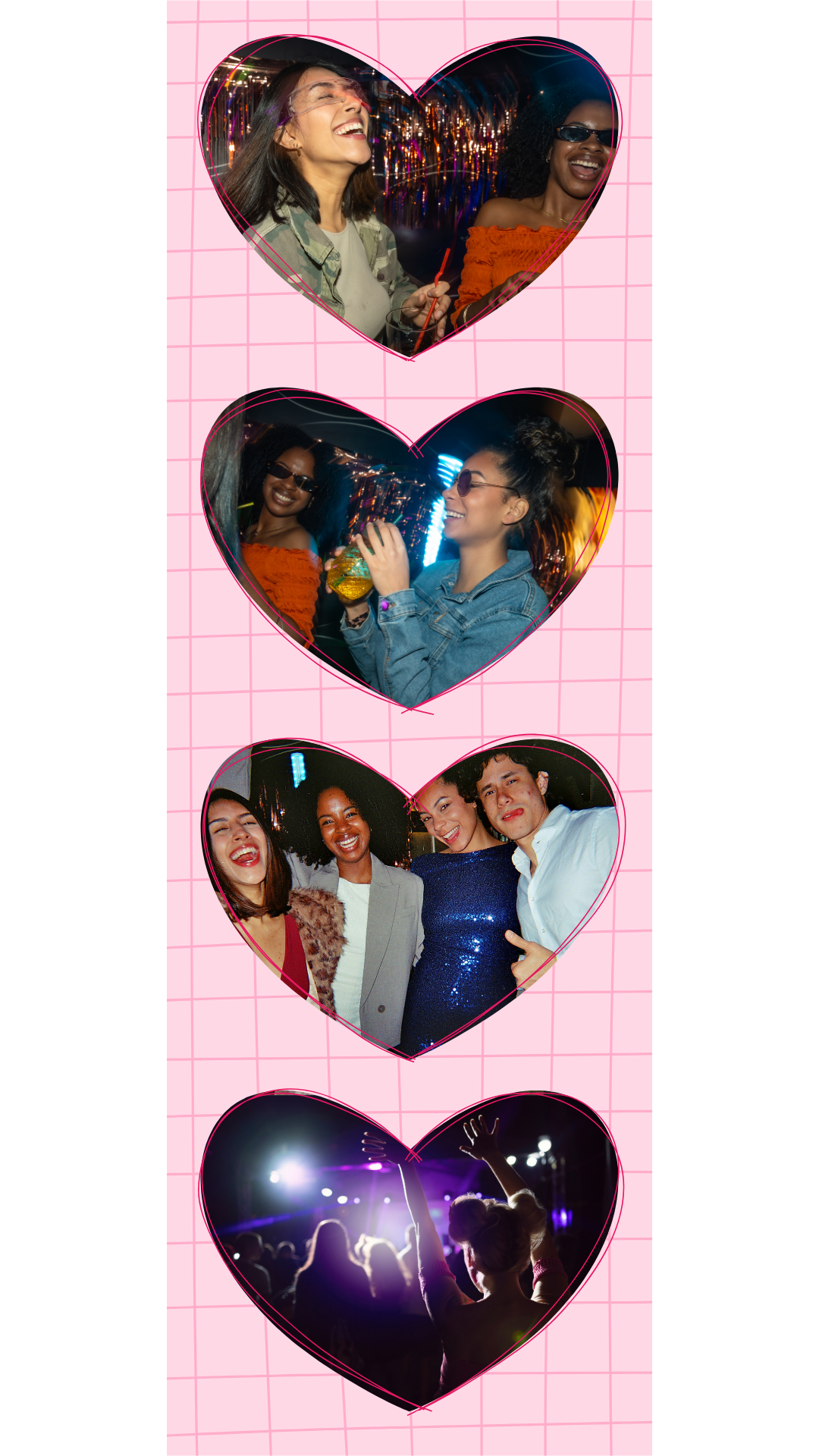
A four-cut photo booth strip with heart-shaped slots, made in Kio Cam.
with love
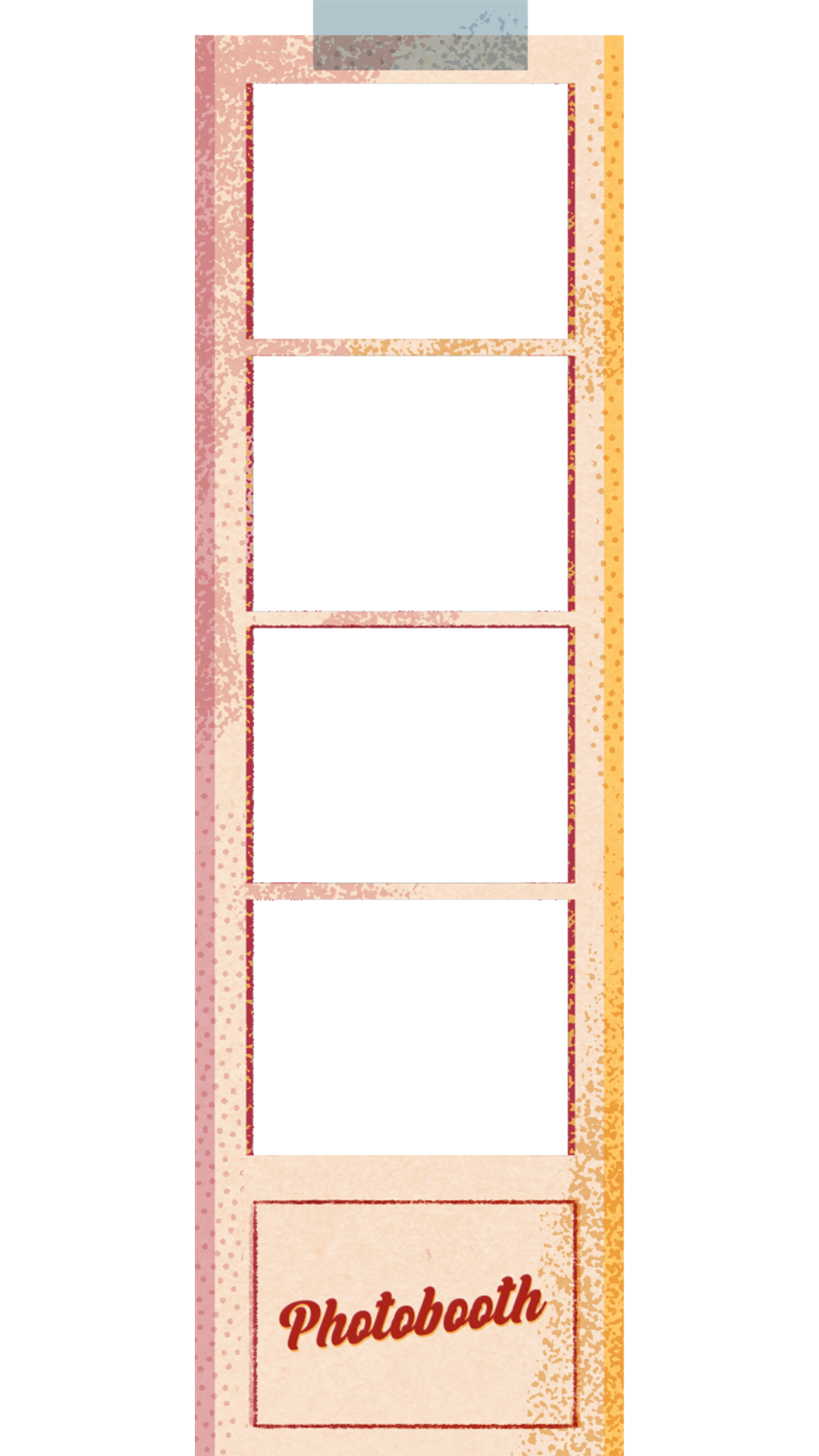
A classic four-cut photo booth strip in a vintage black frame.
black classic
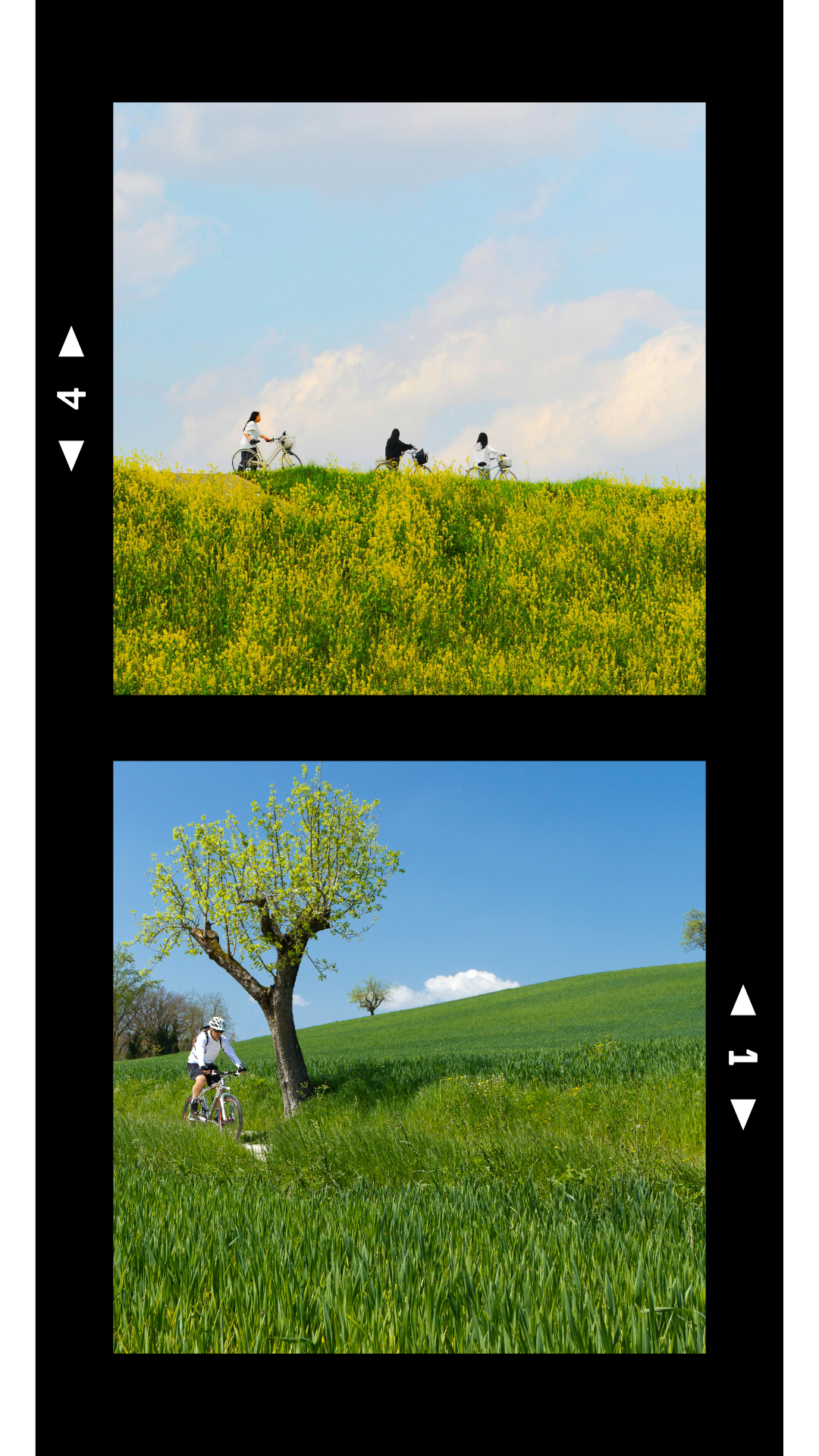
A two-cut photo booth strip with a playful frame, stickers and Caveat lettering.
so fun
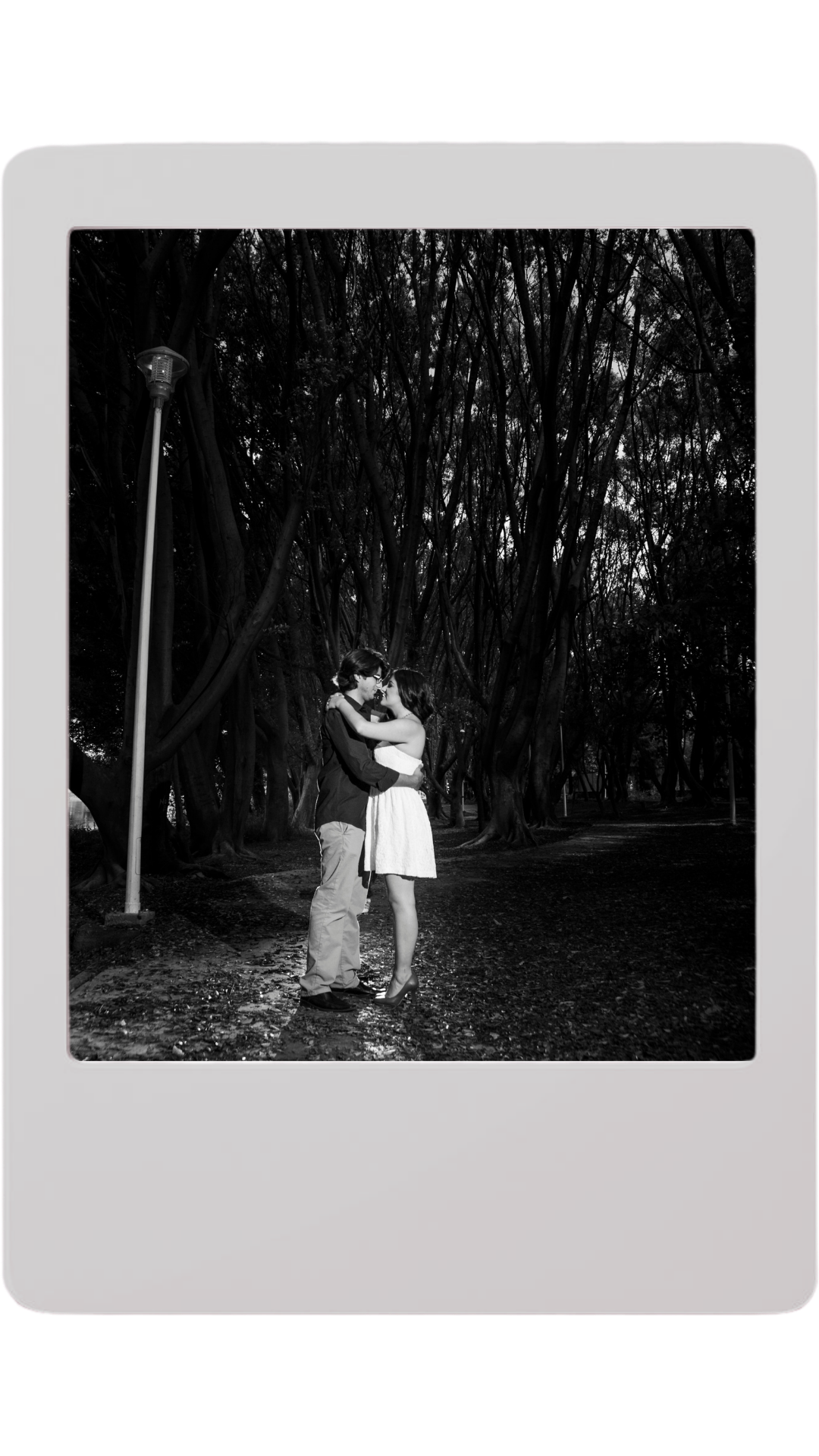
A single-shot polaroid-style print made in Kio Cam.
polaroid
Another heart-frame strip from the Kio Cam gallery.
forever
the part nobody else has

Design your own layout.

Most photo booth apps give you templates. Kio Cam gives you a canvas. Add up to 6 photo slots, choose square, rectangle, triangle, circle, hexagon or heart shapes, then move, resize and rotate them wherever you want. Add a frame, stickers, text and a background. Pro users can save the layout as a reusable template.

Square Rectangle Triangle Circle Hexagon Heart
Background Slots Frames Photos Stickers Text
Try the builder
inside the camera

Choose how the strip
gets made.

Three capture modes built into the booth: Photo, Burst and Ghost. Photo and Ghost finish as still strips. Burst captures 4 quick frames per slot for a looping animated print.

tap once, get four.
Burst

One tap, 4 frames.

Capture 4 quick frames for each slot with one press. Kio Cam keeps the sequence together and turns it into a looping animated print, built for action shots, candids and group photos.

4 frames per burst Exports as a looping GIF
Ghost mode

A memory, blurred.

Take two shots in the same slot and Kio Cam blends them into a soft, translucent double exposure. The look of a long exposure, without the tripod or the math. Made for silhouettes, movement and playful overlap.

felt like a daydream
Outputs a still blend 2 shots per slot
STILL
still strip
Photo

Classic strips, one slot at a time.

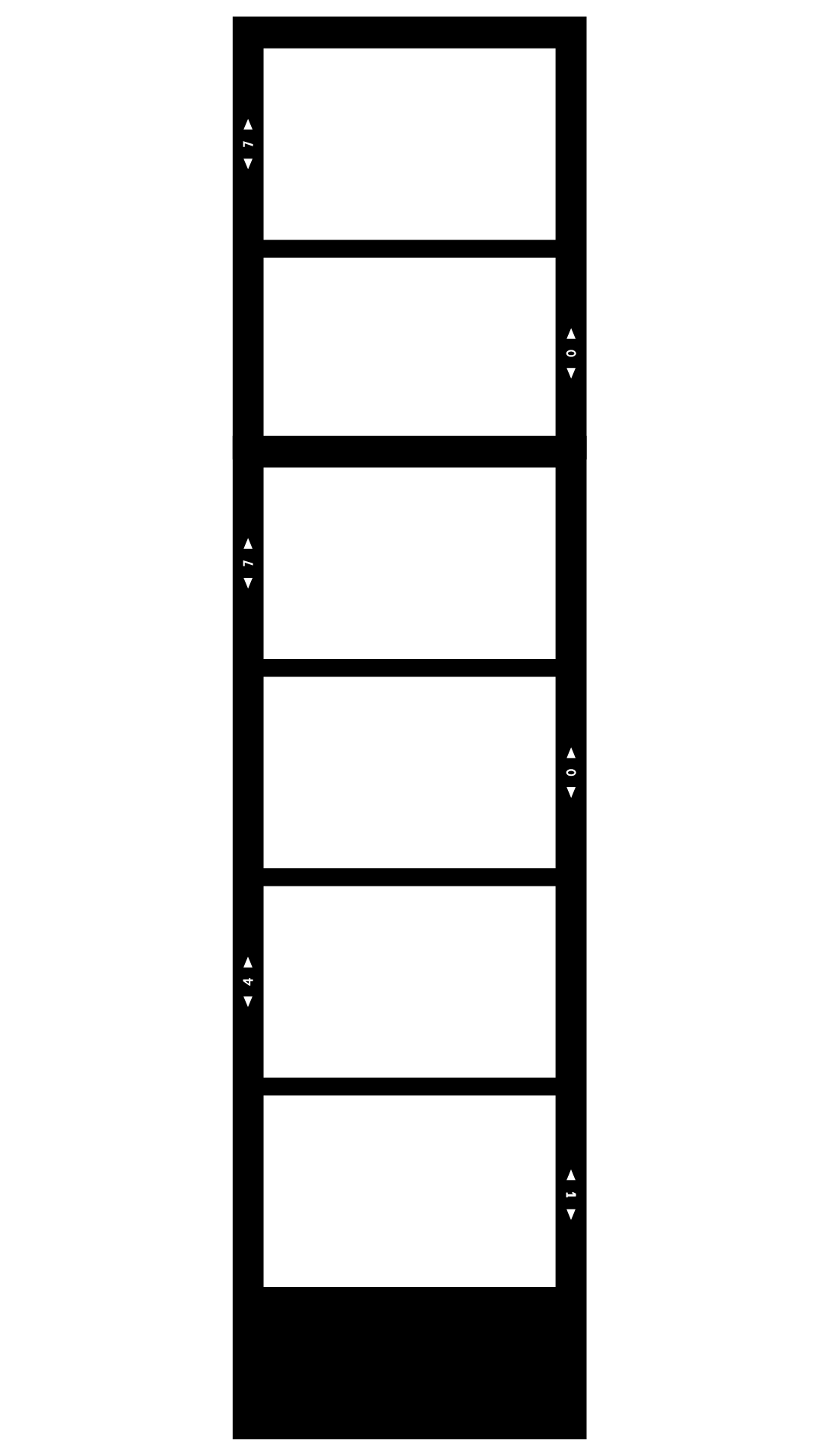
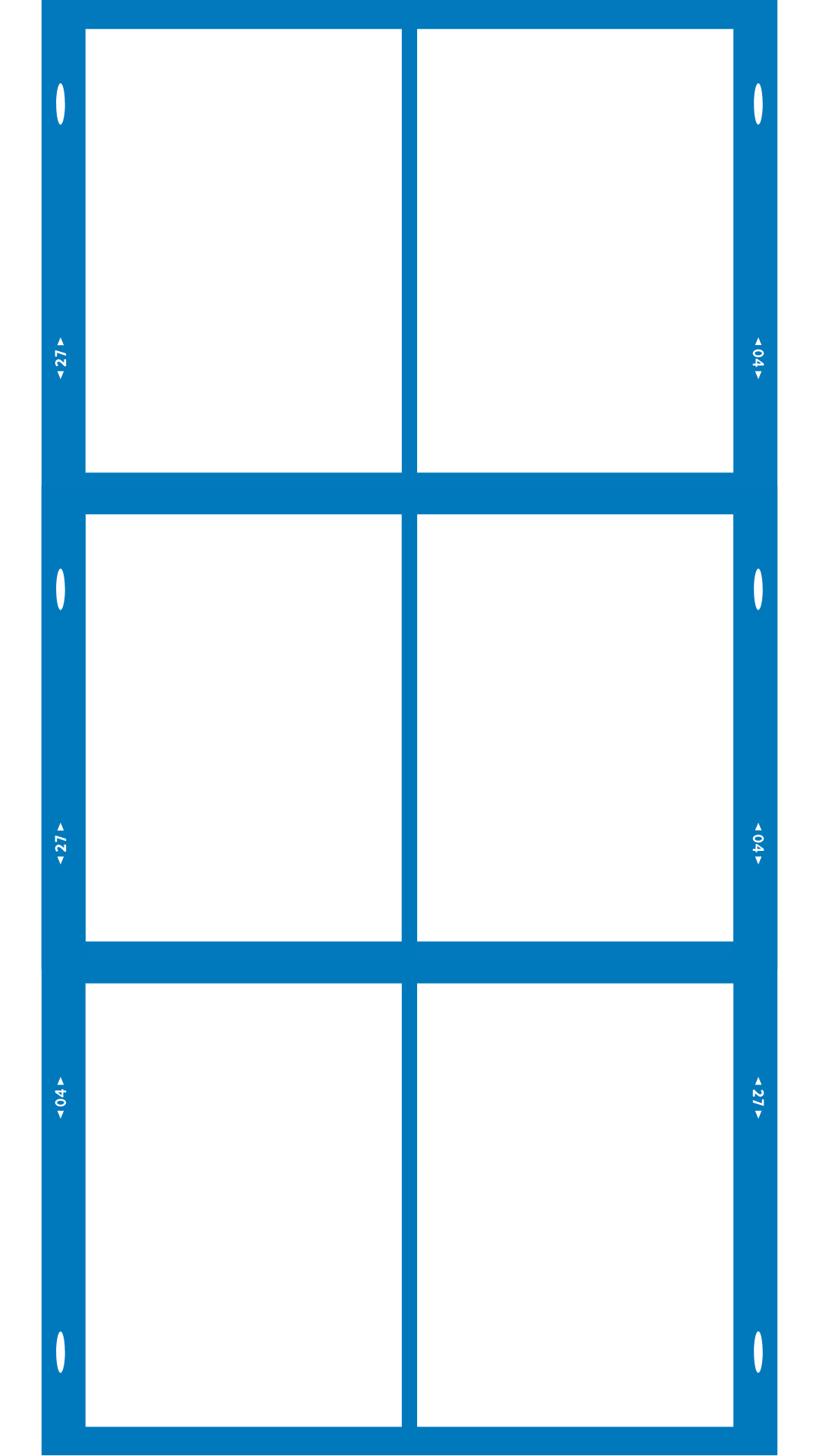
Take or upload one still photo for each slot, then choose a frame, filter, stickers and text. It is the classic photo booth flow, with 1, 2, 3, 4, 6 or custom layouts.

PNG still strips 1, 2, 3, 4, 6 or custom Camera or upload
what's inside

A complete photo booth,
in your pocket.

Every tool from a real photo booth: layouts, frames, filters, stickers, text, print and share. Without the rental, the queue or uploading your photos.

100+ hand-picked frames

Polaroid, instant film, floral, retro, minimal, seasonal. A curated set with new drops every release. Not generative noise, real designs.

Film filters that feel real

Grain and color rendering tuned to look like film, not a preset.

On-device. End of story.

No accounts, no logins, no Kio Cam photo upload. Your photos stay on your device unless you choose to save, share or print.

Stickers, emoji, Google Fonts

Stickers, emoji and Google Fonts text overlays. Resize, recolor and rotate until the strip feels like yours.

three steps

Tap, frame, share.

From an open app to a saved strip on your camera roll. Under a minute, every time.

i.

Choose a layout

A classic 1, 2, 3, 4 or 6-cut strip, or open the custom frame builder. Pick a frame from the library, or bring your own.

ii.

Shoot or import

Use the in-app camera with Photo, Burst or Ghost. Or import shots from your library. Reorder until it feels right.

pro tip: try ghost mode while twirling
iii.

Finish and share

Pick a film filter, layer stickers and text, then save to camera roll, share to any app, or AirPrint a real strip on real paper.

where it shines

A photo booth for the moments people photograph.

Built for parties, weddings, baby showers, dorm rooms, group trips, and the slow Sunday afternoons in between.

most loved

Weddings & receptions

Set an iPhone or iPad on a stand running Kio Cam, pick a layout that matches the event, and let guests shoot their own strips. Save, share or AirPrint when your setup supports it.

a guest favorite

Birthdays, baby showers, engagement parties

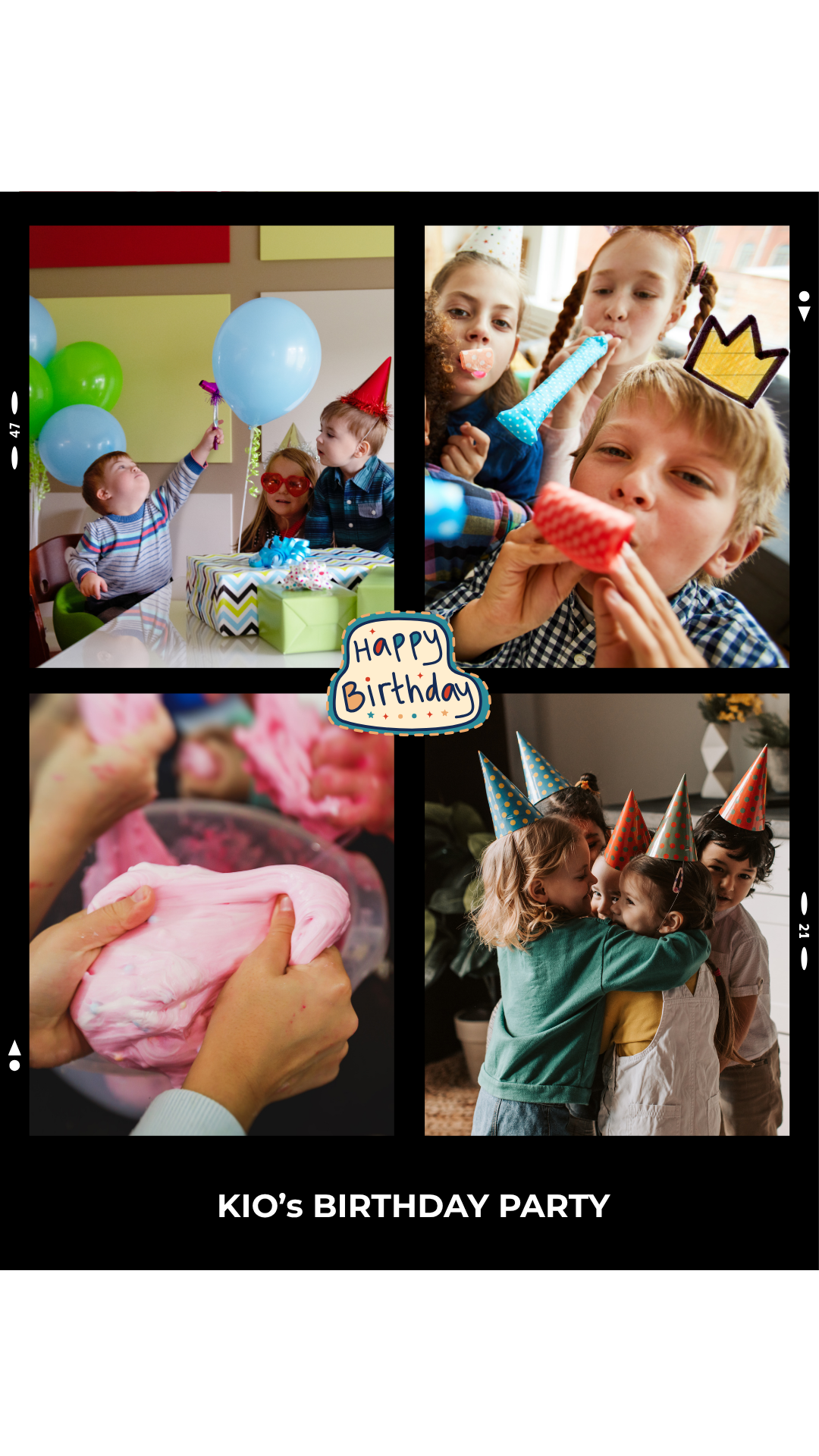
Pick a layout that matches the colors of the event. Add a custom frame with the date or a name. Drop in seasonal stickers. The strips become party favors guests actually keep, taped to a fridge, slipped into a wallet, pinned over a desk.

Group trips

Burst mode for the chaos. Ghost mode for the dancing. Photo mode for the quiet view from the window. By the time you're home, the trip is a stack of strips.

Dorm rooms & first apartments

AirPrint a strip, tape it to a mirror, send it to the group chat. The whole loop, on a phone.

Content creators

Captions, polaroid frames, sticker overlays, still strips and Burst GIFs. Share through the iOS share sheet. No watermarks.

why we built it

The booth, but smaller.

We grew up with a coin-eating photo booth on the way home from the mall. A curtain, a flash, four poses, and a strip that warmed up in your hand on the way out. We have boxes of those still.

So when we built Kio Cam, the brief was small and stubborn. Keep the feel. Keep the strip you can hold. Keep the click of the next pose. Keep the part where you stick it in a journal or tape it to a mirror, and a year later it makes you grin.

What we added was the part the old booth never got right. A canvas you actually own. Burst for friends who can't sit still. Ghost mode for two-shot double exposures. Stickers, text and frames you can move around. And the quiet promise that the photo never leaves your phone unless you choose.

That's it. A photo booth, made with care, that fits in your pocket.
unlock the whole catalog

Kio Cam Pro.

For photo booth nerds, content creators and event hosts who want every frame, every sticker, every drop. Optional Pro access, managed through the App Store.

Admit one

Every frame, every sticker, every drop.

Monthly, yearly and lifetime options may be shown in the app

  • 100+ professionally designed photo frames
  • 60+ canvas background textures
  • 100+ premium image stickers
  • 8 gradient borders · gold, silver, rose gold, chrome, rainbow, neon, fire, holographic
  • Premium typography & Google Font overlays
  • Save & reuse custom frame templates
  • Completely ad-free experience
  • New content drops, every update
Not ready to commit? Free users can unlock any single Pro item per session by watching a short ad, up to twice a day. Try everything first.

100+ exclusive frames

A curated library that grows every release. Instant film, retro photo booth, floral, minimal, seasonal. No fillers.

Eight gradient borders

Gold, silver, rose gold, chrome, rainbow, neon, fire, holographic. Eight finishes that lift any strip from cute to printable.

100+ premium stickers

Seasonal sets, mood boards, birthday packs. Drag, resize, rotate. They sit on the canvas like real stickers should.

Ad-free with Pro

Pro users skip ads in the app. Just the camera, the canvas and the strip.

questions, answered

Things people always ask.

Everything worth knowing about Kio Cam, the digital photo booth app for iPhone.

What is Kio Cam?

Kio Cam is a digital photo booth app for iPhone. It shoots vintage-style photo strips with 1, 2, 3, 4 or 6 cuts, includes 100+ frames, a custom frame builder, Photo, Burst and Ghost modes, film filters, stickers and text. All on-device, no accounts, no photo uploads.

What makes Kio Cam different?

Kio Cam stands apart for three reasons. One, a true custom frame builder with square, rectangle, triangle, circle, hexagon and heart photo slots. Two, Burst GIF exports and Ghost double exposures. Three, fully on-device processing with no accounts and no photo uploads.

Is Kio Cam free?

Yes. Kio Cam is free to download and use on iPhone. Optional Pro access unlocks premium frames, textures, stickers, gradient borders, fonts, saved templates and removes ads. Free users can also unlock any single Pro item per session by watching a short ad, up to twice a day.

What is ghost mode?

Ghost mode captures two shots per slot and blends them into a still double exposure. A soft, multi-exposure effect that feels like a memory in motion.

What is burst mode in Kio Cam?

Burst captures 4 quick frames per slot with a single tap and exports the result as a looping GIF. Perfect for action, candids and group shots.

Does Kio Cam upload my photos to a server?

No. Every photo is processed on your device. Kio Cam has no accounts, no logins and does not upload your photos to a Kio Cam photo server. Your memories stay yours.

Can I use Kio Cam at a wedding or party?

Absolutely, that's what it's built for. Set up an iPhone or iPad on a stand running Kio Cam, choose a layout that matches your event colors, and let guests take their own strips. The photo booth experience without a rental booth, and you keep the strips you save.

Which iPhones does Kio Cam support?

Any iPhone running iOS 13.0 or later. It also runs on iPad with the same feature set, which makes it useful for weddings, baby showers and parties.

come take a strip

Get Kio Cam. It's free.

No sign-up. No photo uploads. Open the app, frame the moment, share the strip.

Download for iOS iPhone & iPad
Free on the App Store 61.9 MB on App Store iOS 13.0+ · iPhone & iPad